
A new world of fun and education has launched in the Makers Empire App with our new feature, Planets. This exciting change brings new ways for students to come together with their class to create and collaborate.
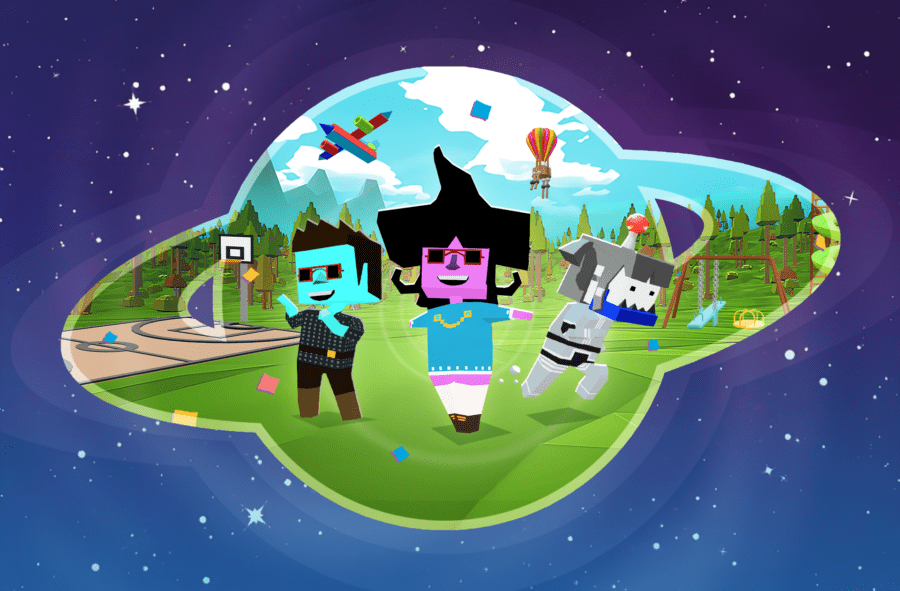
Planets is a new feature in the Makers Empire App that allows students new ways to create and collaborate with each other in a space-themed environment.
Your students will blast off to space, all from the Makers Empire app, and build designs in a new kid-friendly digital world.
The initial release of Planets will cover a select few challenge courses and will add a collaborative element to the classroom. This allows your students to place their designs from a challenge course down in a shared environment in real time, and create something grand.
This new feature has been designed to give students a new entertaining way to engage with 3D design and learning and give teachers a new way to inspire creativity and design thinking in their students.
Our new feature is a fun way to encourage collaboration, innovation and teamwork in your classroom. Students will enjoy exploring this new environment and displaying their designs for others to see.
Users can move around in this new environment, interact with other classmates through character emotes, and leave feedback on other people’s designs.


At Makers Empire, making a safe online space for kids is highly important to us. Planets are restricted to only allow users to join and interact with other students from the same class.
Our new feature also omits text chat to reduce the risk of inappropriate interactions. Teachers will also have control over certain planet parameters to help manage students and encourage safe and friendly use of the app.
Planets launched with the Makers Empire 5.2.0 release and is available on all platforms. It is exclusive to our school customers and those with a free Makers Empire trial.
Devices that have updated the Makers Empire app to this version will be able to use Planets.
As of now, Planets is available in a select few challenge courses during its initial rollout, with the goal being to include it as a part of all our courses in the future.

Planets can be accessed via the Placemaking Short Course in the Makers Empire app. This course is only available to those with a Makers Empire Plan or trial.
To start using Planets, you will need to assign the Placemaking Short Course to your class via the Teacher Dashboard.
Challenge Courses that are compatible with Planets will have a planet icon above them when you are assigning them on the Dashboard. More Challenge Courses will become Planets compatible in the near future.
Below you can access our Help Articles which contain information on using Planets.
We hope you and your students enjoy using Planets and that it becomes a useful tool for your students’ learning.

Please wait while you are redirected to the right page...