
[su_spacer size=”30″]

[su_row][su_column size=”1/2″ center=”no” class=””]
2 hours | Online | Requires Software Install
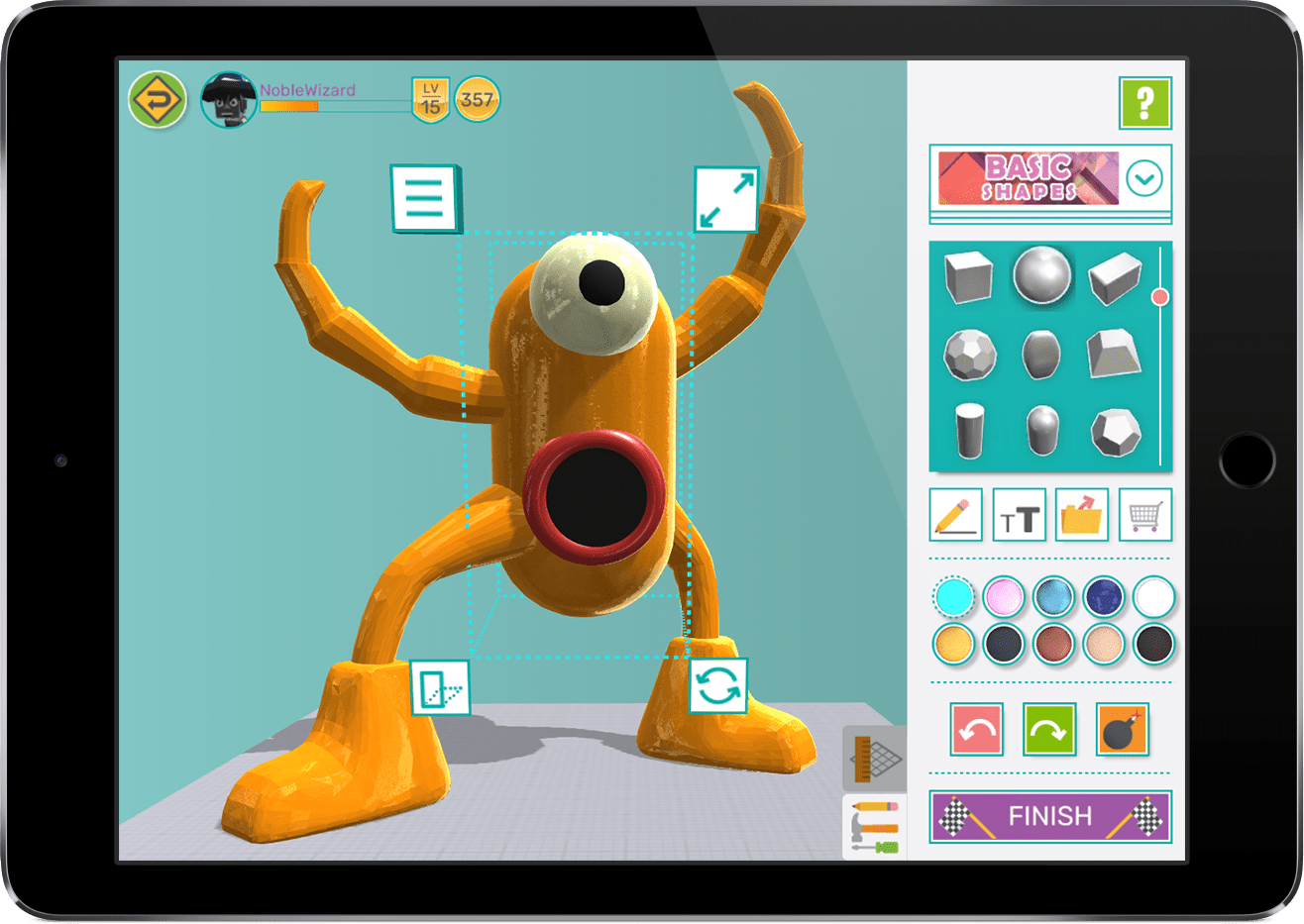
Welcome to the Children’s University Australia at Makers Empire.
At Makers Empire, we make learning how to design in 3D fun!
Follow the instructions below to learn how to design in 3D and create your very own 3D maze. When asked for a Class Code please use: funny4795
You can then choose to print your design (if you have a 3D printer) or order prints of your designs. Don’t forget to ask permission from a parent/guardian before ordering any prints.
Let’s get started. Follow the steps below and become a 3D designer today!
[/su_column][su_column size=”1/2″ center=”no” class=””]
[/su_column][/su_row]
[su_divider top=”no” divider_color=”#c8c8c8″ link_color=”#a5a9ab” size=”1″ margin=”80″][/su_divider]
STEP ONE: LEARN TO DESIGN IN 3D
a) Download Makers Empire 3D onto your home computer or device.
Click the appropriate button below to begin your download.
[su_row] [su_column size=”1/4″]
[/su_column] [su_column size=”1/4″]
[/su_column] [su_column size=”1/4″]
[/su_column] [su_column size=”1/4″]
[/su_column][/su_row]
b) Create your account in Makers Empire 3D by following the instructions in the app.
[su_divider top=”no” divider_color=”#c8c8c8″ link_color=”#a5a9ab” size=”1″ margin=”60″][/su_divider]
STEP TWO: Create Your Own Epic Maze
[su_row][su_column size=”1/2″ center=”no” class=””]
First, learn to design using Makers Empire 3D by doing the first five (5) challenges in the app.
Next, watch this step-by-step video and learn how to create a maze using Makers Empire 3D.
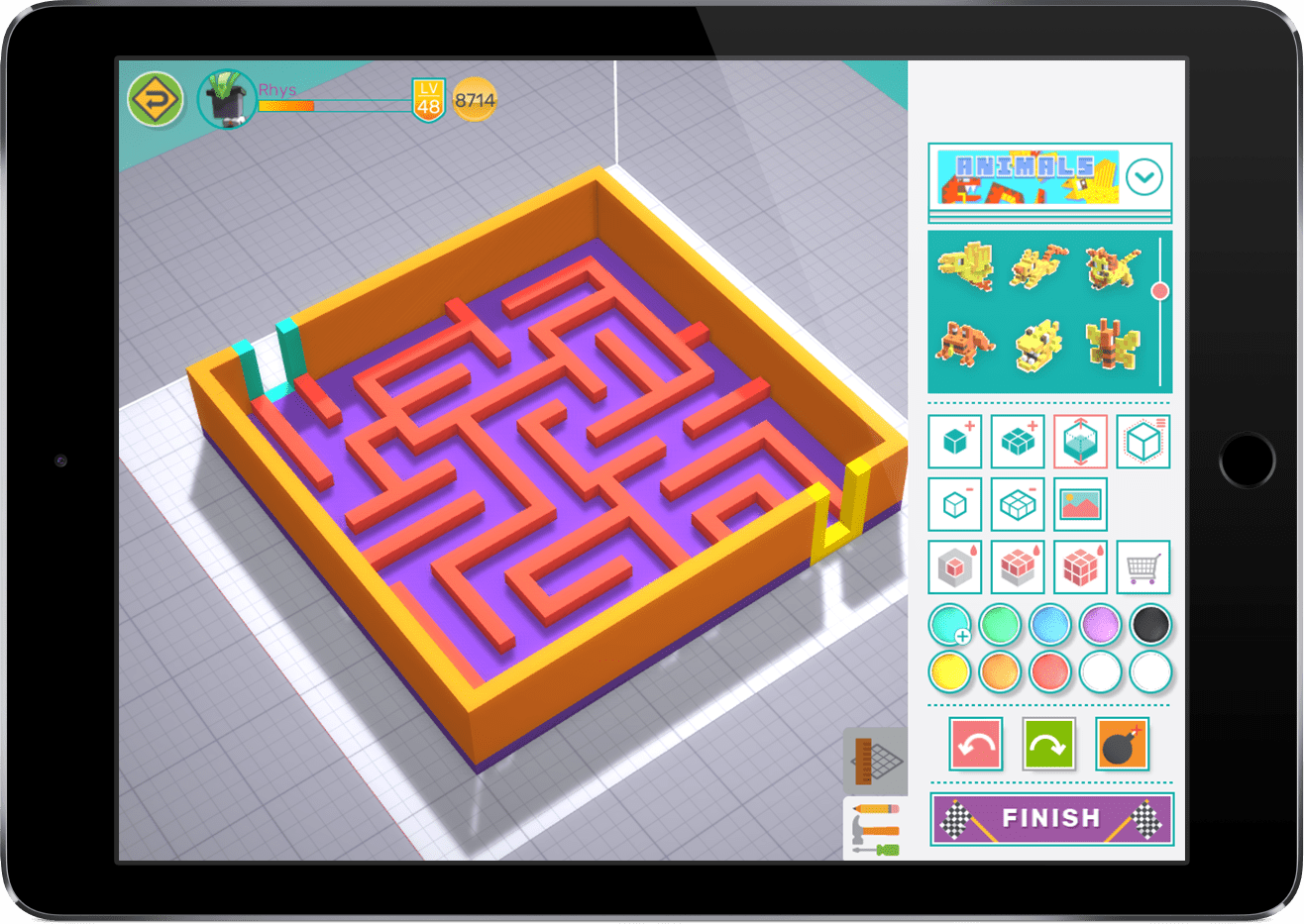
Now it’s your turn to create your very own maze. Let your imagination run wild and create an epic maze. Don’t forget that you can build up and sideways and add decorative details to make your maze more interesting.
[/su_column][su_column size=”1/2″ center=”no” class=””]

[/su_column][/su_row]
[su_divider top=”no” divider_color=”#c8c8c8″ link_color=”#a5a9ab” size=”1″ margin=”60″][/su_divider]
STEP THREE: Show Off Your Design(s)
[su_row][su_column size=”1/2″ center=”no” class=””]
Now it’s time to show your awesome maze design to your teacher and get your passport stamped!
Are you a teacher? Follow these instructions.
If you have the Makers Empire 3D app handy:
- Ask your student to login to their account;
- Confirm the student has completed the 5 specified challenges;
- Confirm the student has designed a great maze!
If you have access to a web browser:
- Search for your student by username here (click the ‘Users’ tab)
- Confirm the “Challenges” designs (they will have an icon in the top left corner)
- Confirm the student has designed a great maze!
Stamp your student’s passport!
[/su_column][su_column size=”1/2″ center=”no” class=””]
[/su_column][/su_row] [su_divider top=”no” divider_color=”#c8c8c8″ link_color=”#a5a9ab” size=”1″ margin=”60″][/su_divider]
STEP FOUR: Order a 3D Printed Maze (optional)
[su_row][su_column size=”1/2″ center=”no” class=””]
Parent? Would you like a 3D printed model of your child’s maze? You can buy a 3D printed model of your children’s favourite maze for $12 (including postage to your house). Fill in the form here and we’ll be in touch. Teacher? Like a FREE 3D print of one of your student’s work? Fill in the form and we’ll send you a free 3D print with our compliments.
[/su_column][su_column size=”1/2″ center=”no” class=””]
[/su_column][/su_row]
