



Best 3D Printer for Primary and Middle Schools: Australia (updated Dec 2025)

At Makers Empire, we’ve helped thousands of teachers in Australia, USA, the Middle East, Europe, and Asia integrate 3D printing and design into the classroom so we understand what works and what doesn’t. The first thing to know is that 3D printers have been around for a long time (since the 1980s!). They first started taking off in schools in the early 2010’s – at first progresss was quick and there was a lot of innovation, but between ~2015 to ~2023 things somewhat stagnated – sure there were improvements, but progress was slow and incremental. This changed in ~2023 with the release of the Bambu Lab X1C printer which was a step change in improvement. Bambu figured out:
  • How to make much faster machine using a “Core XY” setup – this means they use a lightweight nozzle/extruder and a bed that only goes up and down (doesn’t move side-to-side). This results in practical printing speeds of 3-5x older printers;
  • That cameras, input shaping, and lidar could be used to improve print quality and pause failing prints;
  • Multi-color could be achieved using their AMS setup; and
  • A good app was essential.

The release of the X1C has resulted in:

  • An avalanche of new innovation in 3D printing as nearly all manufacturers switched over to Core XY for speed;
  • Lots of different multi-color innovations (a huge weakness of the original X1C was the huge amount of waste it would create for multi-color prints);
  • Prices dropping rapidly – a  2025 $500 printer likely outprints a 2022 $5000 printer.

If you have a printer that is from before 2023 then it is very likely to be out-of-date and probably not worth repairing.

In 2025/26 new printers with great innovations are once again being released at a rapid pace. Great printers for schools are being released by brands like FlashForge, SnapMaker, QIDI, Creality, Elegoo, Prusa, and Bambu Lab.

We would recommend a few key attributes:

  • Make sure it is a Core XY printer;
  • Look for enclosed printers with air filters;
  • If it is your first printer, we’d suggest sticking to a single color for now. There is already plenty to learn and multi-color just adds complexity. By the time you’re ready for multi-color there are likely to be better printers out there (that produce less waste);
  • A fantastic single color 3D printer, suitable for schools, should be well under $1000.

Why Buy 3D Printers from Makers Empire?

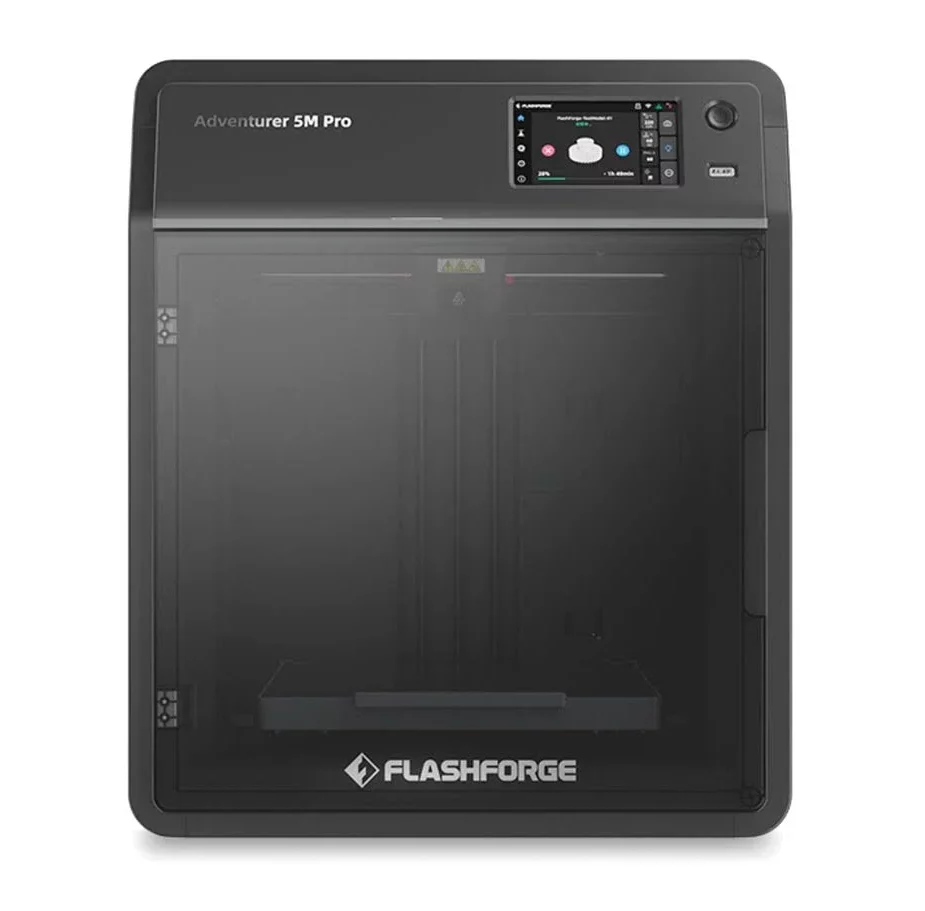
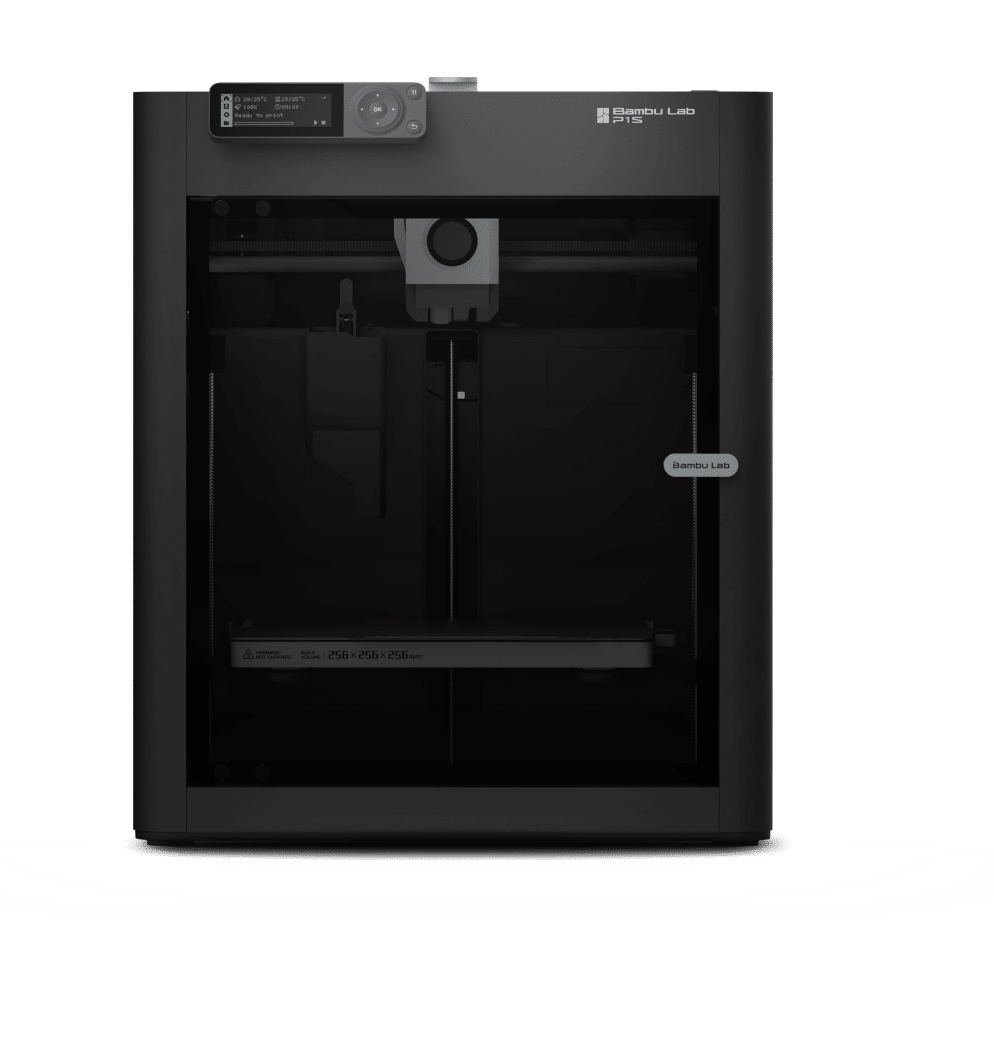
ModelFlashforge Adventurer 5M ProBambu Lab P2S
Printer Quality9.5/10
9/10
Reliability
9/10
9/10
Price$700+ AUD
$900+ AUD
Max. Printing Speed600mm/second600mm/second
Value for Money9.5/109/10
Time to print a benchy15 minutes15 minutes
Build SizeBig: 220 x 220 x 200 mm
Big: 256 x 256 x 256 mm
EnclosedYesYes
Air Filter
Yes, both HEPA and carbon filtersYes, carbon filters
Assisted levelling
Yes, levelling is fully automatedYes, levelling is fully automated
Materials
ABS, PLA and other non-abrasive filaments
Printing Bed Material
Flex Board (PEI)Flex board (PEI & PC)
Price of 3D Filament (Plastic Consumables)
$$$
Connectivity Options
USB / WiFi / EthernetUSB / WiFi
Interface
TouchscreenTouchscreen
Built in Camera
YesYes
Customer Support
GoodGood
Conclusion
The Adventurer 5M Pro is truly a leap forward for Flashforge. It’s part of a new era for Flashforge, where they are improving and paring down their offerings. We believe this is going to lead to improvements to general support and also the spare part availability/end of life issues we have seen. We’ve been absolutely blown away by the print speed of this machine, competing at a level equal to other high speed printers. The fact that the prints come out so clean and smooth at this ridiculous speed is absolutely mind-blowing. In a school setting where print speed is a key criterion for being able to integrate 3D printing into lessons properly, the Adventurer 5m Pro will effectively transform the way you do that.Big build volume coupled with easy assisted levelling means large printing is easy. Removable, flexible bed means easy print removal and higher time efficiency. Carbon filter removes any odours or smells, while the built-in camera creates time lapse video automatically.

Can add an AMS for multi-color prints (although better options are now available with H2C etc).
RecommendationHIGHLY RECOMMENDEDHIGHLY RECOMMENDED
Detailed reviewRead our detailed review

Older Printers - No Longer Recommended

When testing printers for use in primary and middle schools we prioritise reliability, usability, durability and affordability.

These are some of the older printers we’ve tried. Even if you are able to obtain these 3D printers as donations or free, most are probably not worth the time it will take to keep them running.

FlashForge Adventurer 4 (2021): Pretty good printer just before the ‘Core XY’ revolution. These and the later ‘Pro’ models are probably the only printers that I would try to keep running in this list. Has air filter, flexible and pretty big bed, good durability.

Zortrax M200 (2020): A real work horse for us – a great, reliable printer, which has recently been updated as the M200+ (see review above). 

FlashForge Adventurer 3 (2019): Pretty good consumer-grade printer for its time. Easy to use and pretty reliable.

Up Box / Up Box+ (2017): We experienced reliability issues with the original Up Box but the newer Up Box+ is much better. Has air filter and is enclosed. No LCD screen.

Robo C2 (2017): a good printer. No air filter, however.

XYZ Da Vinci Jr (2016): quite a cheap printer but filament rolls are ”çhipped’ so you can only use XYZ filament with it. An enclosed printer with basic LCD and no air filter.

Polar 3D (2014): this printer has a unique circular motion build plate. The inbuilt camera is great – you can monitor printing progress from a remote location, which is very helpful. Not enclosed, no air filter or LCD.


FlashForge Creator Pro (2014): a great printer but more suited to hobbyists/high schools as it has a dual head. This makes it more advanced as it allows for two colours or soluble support but tricky to get right. No air filter.

Up Plus 2 (2013): A classic printer. Very reliable and sturdy, but too dated now. No air filter, not enclosed, no LCD.

BEE THE FIRST (2013): A fantastic looking 3D printer. Probably a little ‘form over function’. The original version of this printer was problematic – the filament would break in the tube and would require a difficult dismantling. This printer is not enclosed and there is no air filter or LCD touch screen on the version we had.

Makerbot Thing-O-Matic (2011): a classic printer, very DIY. No air filter or LCD. Too dated now. Looks cool! 

3D Systems Cube 3 – a dual head machine. We struggled to get good prints from it and it has now been discontinued.

Makerbot Thing-o-Matic – a great, early printer. Very DIY, however. Discontinued.

Printrbot Simple Metal – a good printer but quite DIY. It took us a while to have it set up properly to print well. It’s not enclosed and has no air filter. Now discontinued.

Cocoon Create (2018) – for the price, this is a great printer from Aldi supermarket. However, it’s not durable enough for schools. Also, it’s not enclosed and there is no air filter.

Creality CR10: A decent printer with big build volume for the price. However, it is not enclosed and there is no air filter.

Maximise Student Learning with a 3D Printer

Buying a 3D printer is just the first step when you integrate maker pedagogy and Design Thinking in your school.

Which 3D modeling software will your students use?

How will teachers learn how to use the 3D printer and 3D design as an authentic teaching tool efficiently and effectively?

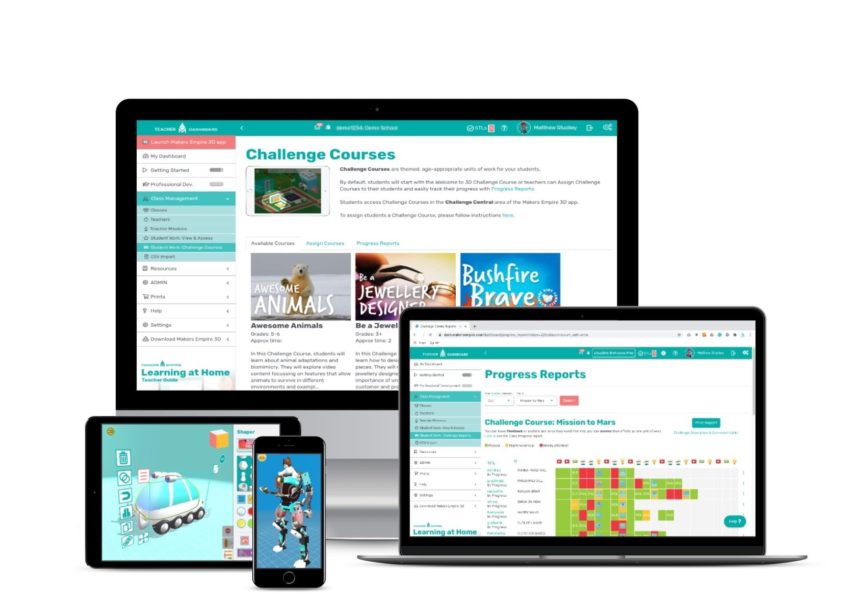
Which class management tool will you use so teaching with 3D doesn’t become a logistical challenge?

How will you ensure teachers can access professional development, resources, training and support they need to become confident and skilled teachers with 3D technology?

Fortunately, Makers Empire’s 3D Printer Packages include everything teachers need to successfully integrate Design Thinking, maker pedagogy and 3D printing into their teaching practice.

Our class, maker and school plans be bundled together with 3D printers to ensure your school’s 3D printing program is a success.